





Securing fast broadband service is only the first step toward genuine connectivity satisfaction. How you implement that service significantly impacts actual performance and user experience throughout your home. Network setup, equipment configuration, WiFi placement, and optimisation strategies determine whether you experience the full benefits of your broadband investment or encounter frustrating slowdowns and dead zones. Understanding home network architecture and implementing straightforward optimisation techniques dramatically improves performance without requiring professional installation or expensive upgrades. Expert broadband optimisation guidance helps you extract maximum performance from your existing service.
Router Placement and Wireless Coverage
WiFi router placement profoundly affects coverage throughout your home. Positioning routers centrally, elevated, and away from physical obstructions ensures optimal signal distribution. Walls, metal objects, and appliances weaken WiFi signals, so placing routers in kitchen cabinets or inside closets substantially reduces performance. Routers with external antennas benefit from antenna positioning perpendicular to each other to optimise coverage in different planes. Separating routers from microwaves, cordless phones, and other 2.4 GHz devices reduces interference. Understanding how your home’s layout affects signal propagation helps you identify optimal placement even if ideal locations aren’t convenient. Testing coverage in different locations helps confirm adequate signal strength throughout spaces where you use devices.
WiFi Network Configuration
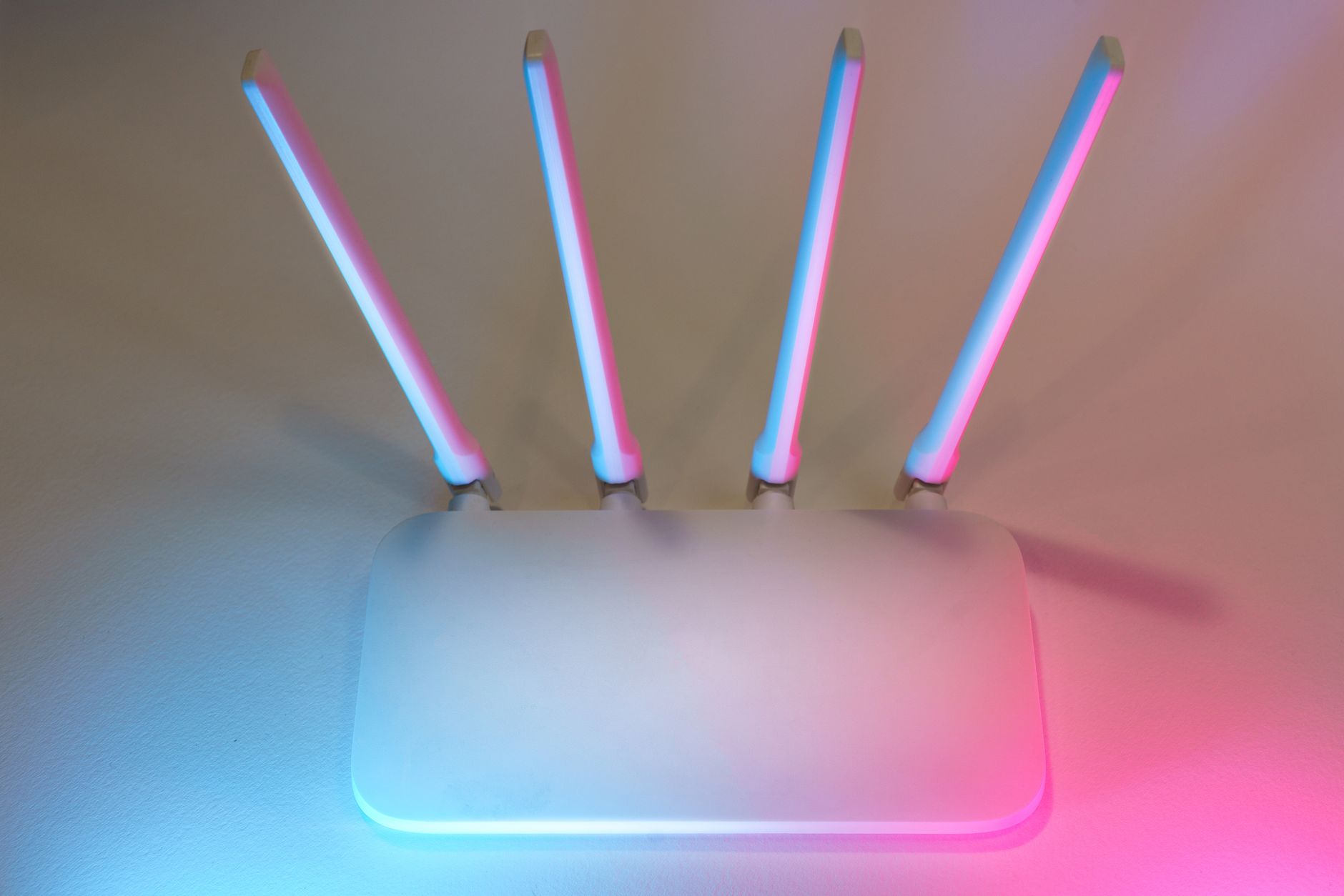
Most routers broadcast both 2.4 GHz and 5 GHz networks simultaneously. The 2.4 GHz band offers better range but lower speeds and more interference, while 5 GHz provides faster speeds but shorter range and less wall penetration. Naming networks clearly (for example, ‘Guest’ for temporary visitors, ‘Home’ for primary devices) helps household members connect to appropriate networks. Enabling both bands simultaneously allows devices to connect to whichever band provides optimal performance. Hiding network names provides minor security benefits but makes connecting new devices slightly more inconvenient. Enabling WPA3 encryption (or WPA2 if WPA3 isn’t available) secures your network against unauthorised access. Changing default passwords prevents neighbours from easily accessing your network.
Bandwidth Management and Prioritisation
When multiple household members use internet simultaneously, managing bandwidth allocation prevents one user’s activities from degrading everyone’s experience. Quality of Service (QoS) settings allow you to prioritise important activities like video calls while de-prioritising less time-sensitive downloads. Limiting bandwidth to specific devices or applications prevents neighbours from accessing shared guest networks excessively. Understanding what activities consume significant bandwidth helps you encourage discipline around heavy usage during peak times. Streaming video in 4K while someone else attempts a video call may overwhelm available bandwidth, but streaming 1080p video alongside a call typically works smoothly.
Wired Connections for Performance-Critical Devices
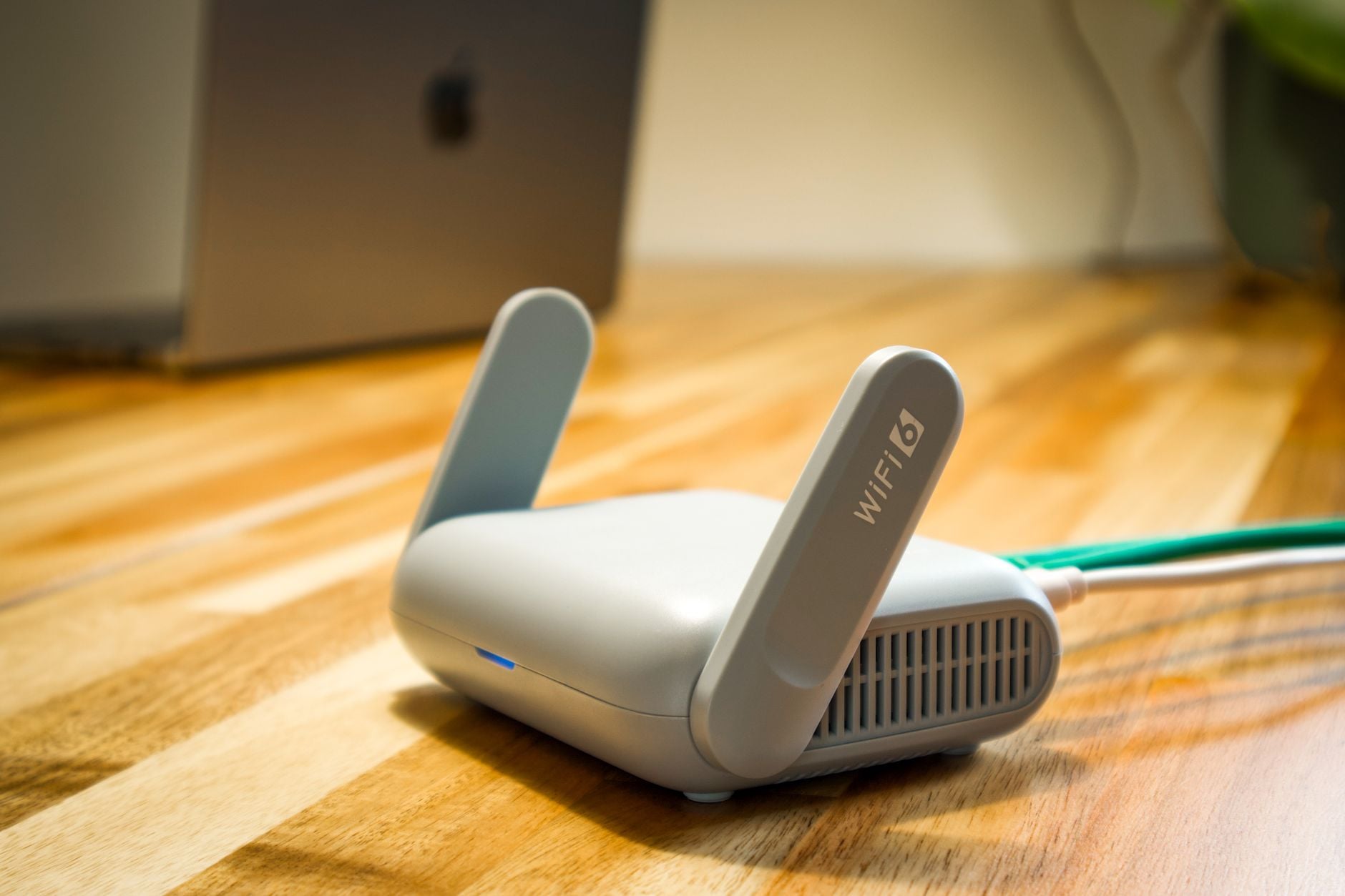
Ethernet cables provide faster, more stable connections than WiFi for devices that don’t require mobility. Desktop computers, streaming devices, gaming consoles, and stationary devices benefit significantly from wired connections. Ethernet removes interference issues and latency variability affecting wireless connections. For devices far from routers, powerline adapters carry internet signals through electrical wiring, providing wired-like stability from outlets near the device. Running ethernet cables through walls, ceilings, or conduits—while more complex—provides optimal performance for devices where WiFi proves inadequate. Even a single wired connection for your computer or primary entertainment system noticeably improves performance.
Regular Router Maintenance
Routers, like all electronics, benefit from periodic maintenance. Restarting routers weekly or monthly clears memory, resets connections, and often improves performance without requiring technical intervention. Ensuring router firmware remains current with manufacturer updates provides security patches and performance improvements. Checking for loose cables ensures proper connections to your modem. Monitoring signal strength to different locations identifies where coverage is weakening. Cleaning dust from router vents improves cooling, extending equipment lifespan. These simple maintenance tasks require minimal time but often resolve mysterious performance issues without calling technical support.
Diagnosing Slowdowns and Troubleshooting
When broadband performance disappoints, identifying causes guides appropriate solutions. Speed tests reveal whether you’re actually receiving the speeds you pay for. Testing wired and wireless connections separately identifies whether issues affect all devices or specific ones. Rebooting the modem and router resolves many temporary issues. Moving closer to the router eliminates coverage as a potential cause. Identifying which applications consume bandwidth helps determine if devices are misbehaving. Testing during different times reveals whether issues occur throughout the day or during peak usage periods. Contacting your provider only after confirming the problem persists requires more detailed information enabling technicians to diagnose issues faster. Troubleshooting resources guide you through these diagnostic steps.
Security Practices Beyond Password Protection
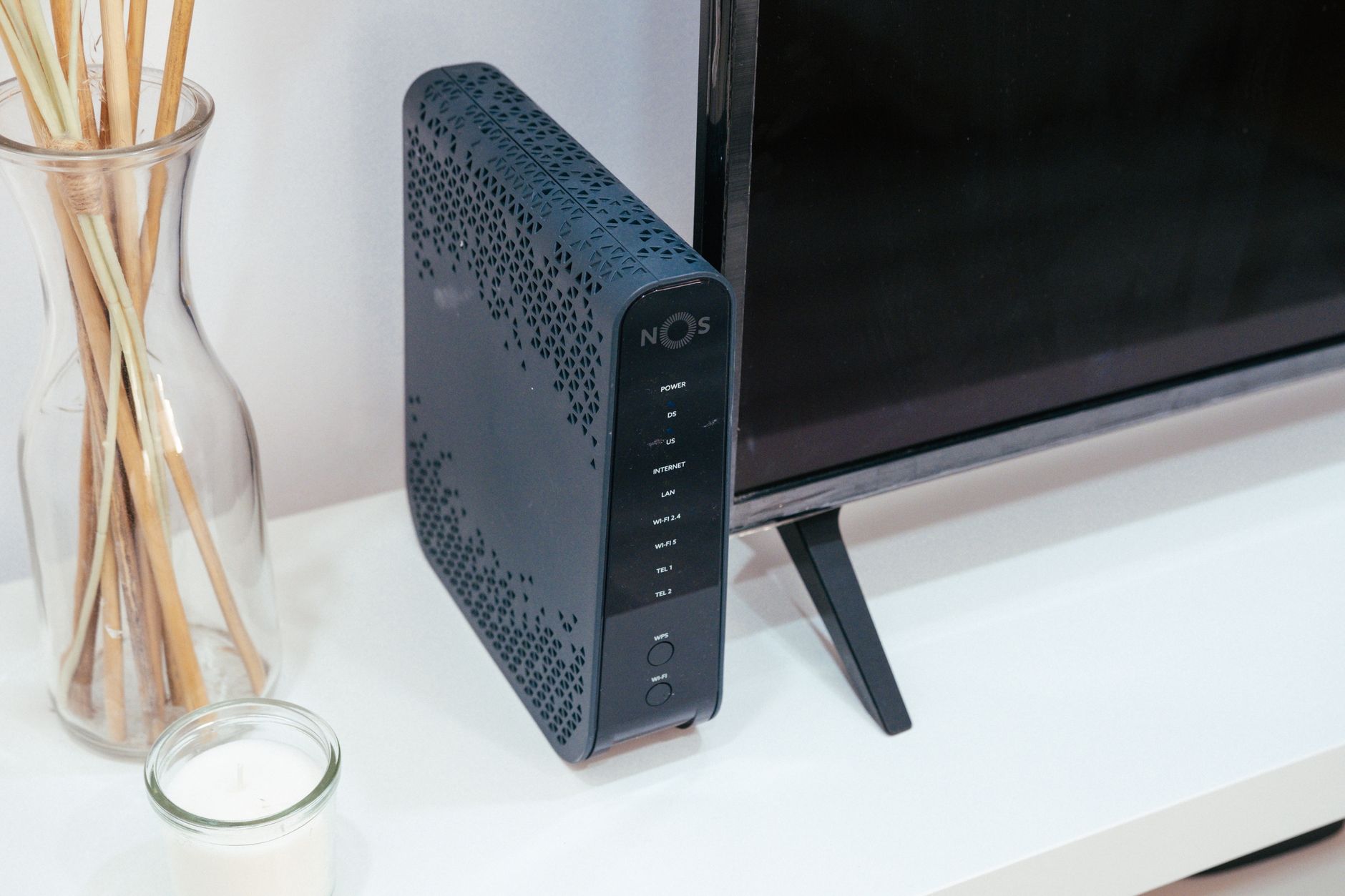
Beyond encryption passwords, additional security practices protect your network and connected devices. Enabling firewalls prevents unwanted inbound connections. Disabling UPnP (Universal Plug and Play) reduces automatic port opening which could expose devices. Regularly changing passwords prevents long-term exposure if passwords leak. Separate guest networks allow visitors to access internet without accessing your personal devices. Using strong, unique passwords for router administration prevents unauthorised configuration changes. Keeping connected devices updated with latest software patches prevents vulnerabilities from being exploited through your network.
Optimising Your Home Network
Rather than accepting your network’s baseline performance, these optimisation techniques dramatically improve speed, coverage, and reliability. Strategic router placement, appropriate configuration, performance monitoring, and regular maintenance ensure your home network delivers the connectivity your lifestyle requires.

Sienna is the creative visionary behind Posh Journey Style. With a background in fashion and a passion for global exploration, she curates the perfect blend of luxury travel, cutting-edge technology, and timeless beauty. Sienna believes that true style is found in the details, inspiring readers to elevate their daily lives with elegance and innovation.